Vesper Audit
A desktop accessibility auditing suite used by professional teams to test large public sector sites, and the reason my standards knowledge is first-hand rather than borrowed.
Why It Exists
Automated accessibility checkers find a useful fraction of what actually stops someone using a website. They are good at contrast ratios and missing labels. They cannot tell you that the focus order jumps to the footer halfway through a form, or that a control announces itself as a link when it behaves like a button.
The gap between what a scanner reports and what a person experiences is where accessibility work actually lives. Closing it by hand across a few hundred pages is not a checklist problem. It needed a tool.
What It Does
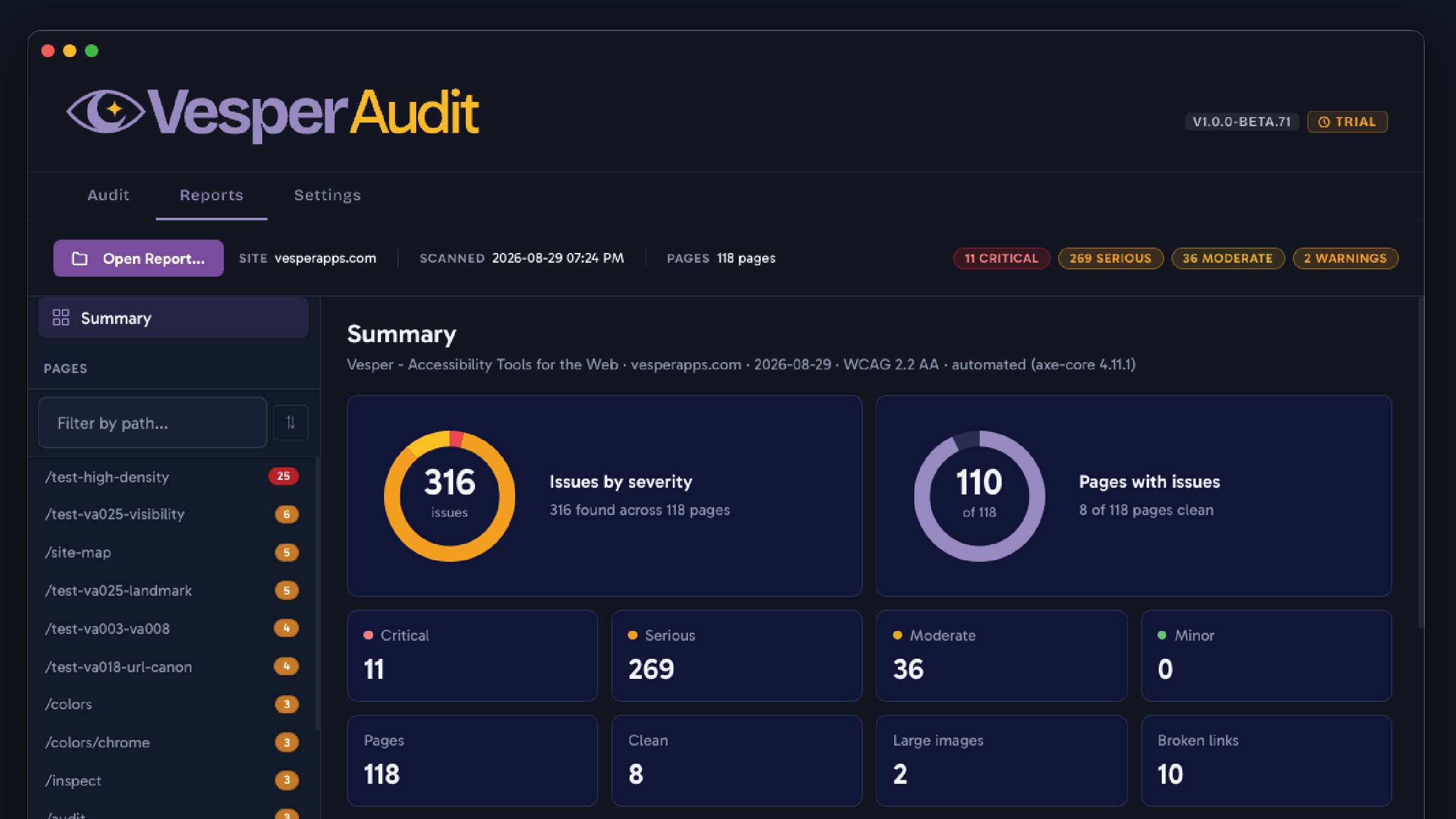
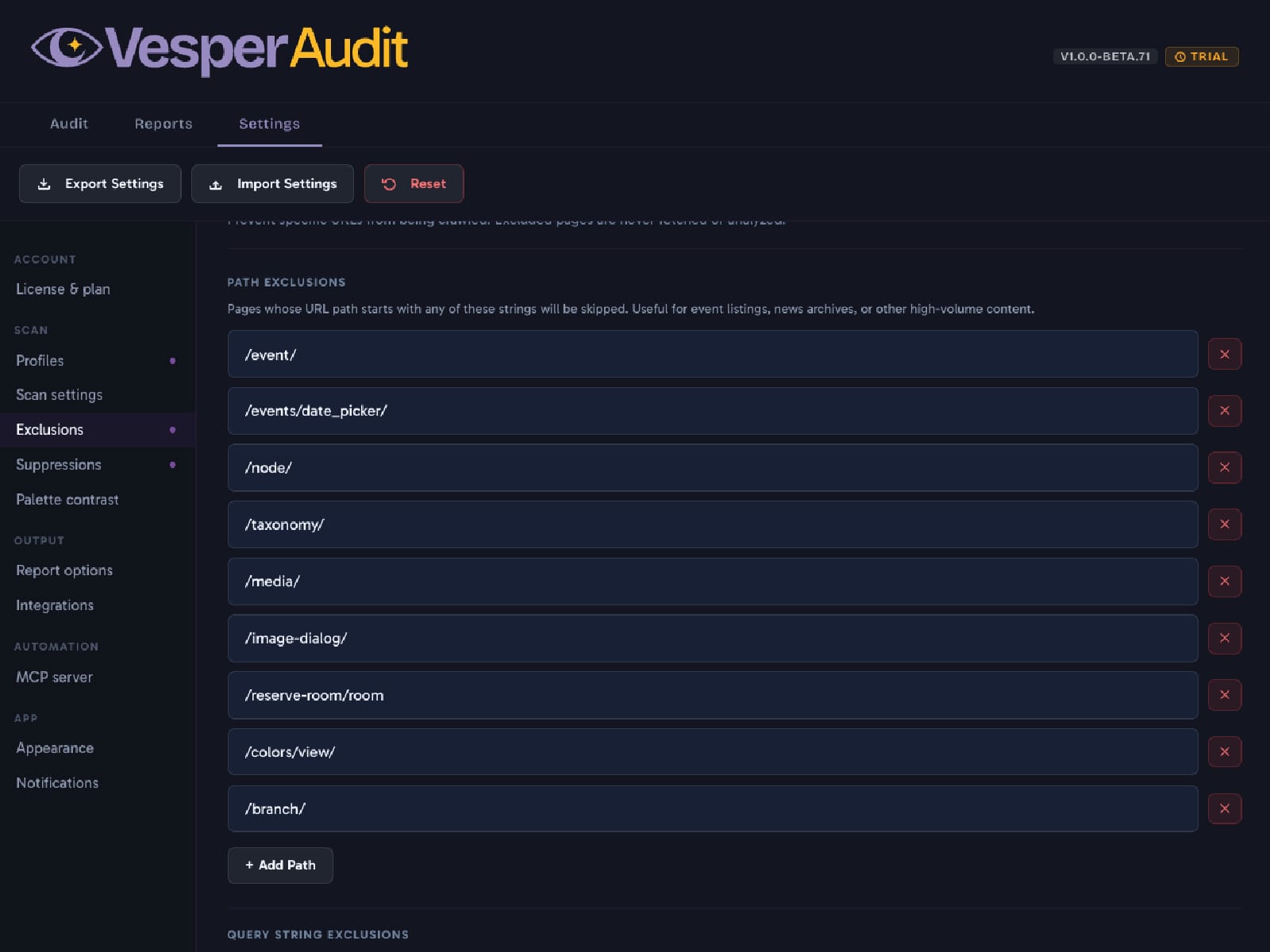
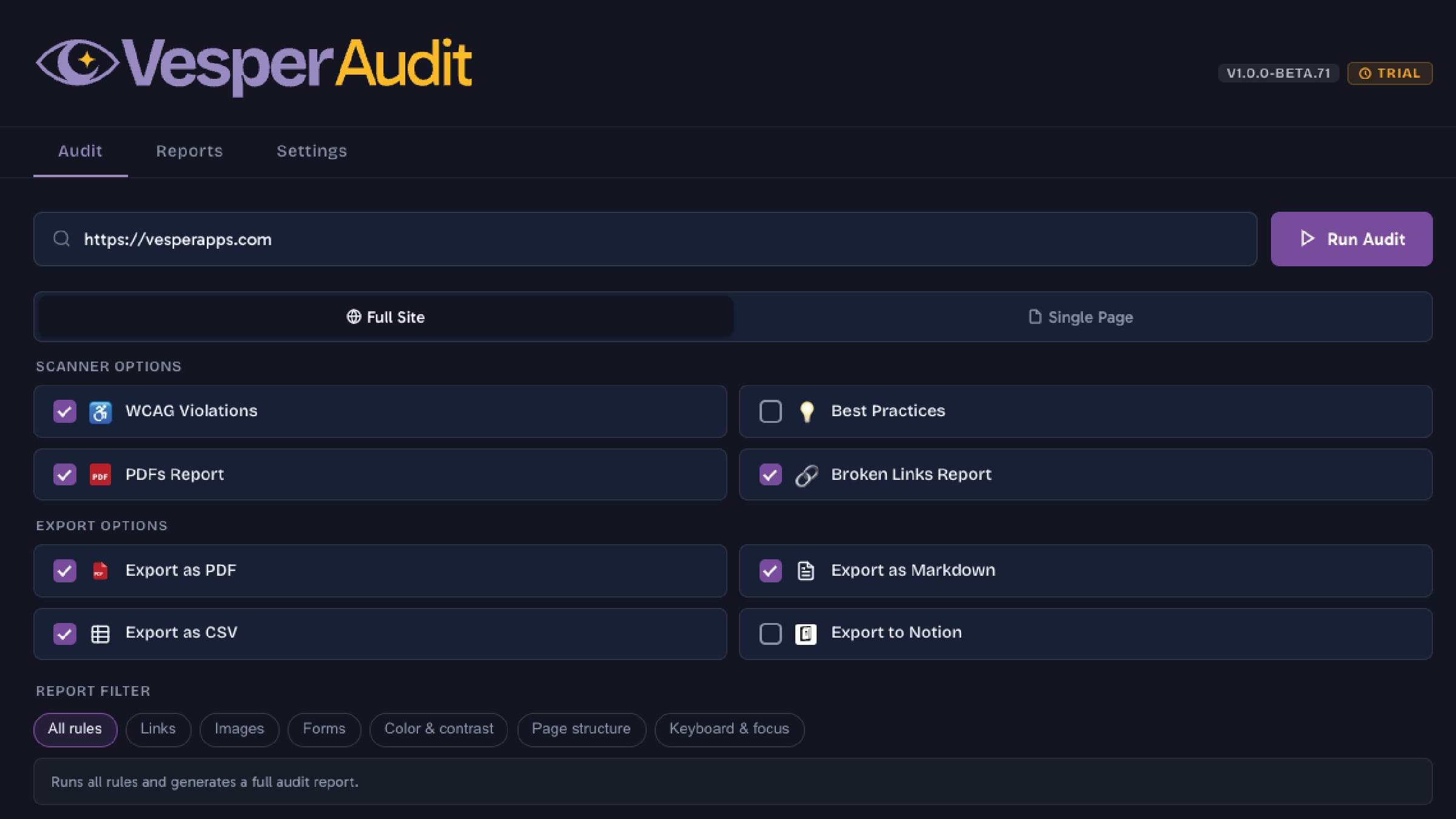
Vesper Audit is a desktop application that crawls a site, runs the automated checks inside a real browser engine, and adds the measurements a rule engine cannot make on its own: how links are distinguished without relying on color, which form fields declare their purpose, whether an accessibility overlay has been installed over the top of the problem instead of fixing it.
The Report Is the Product
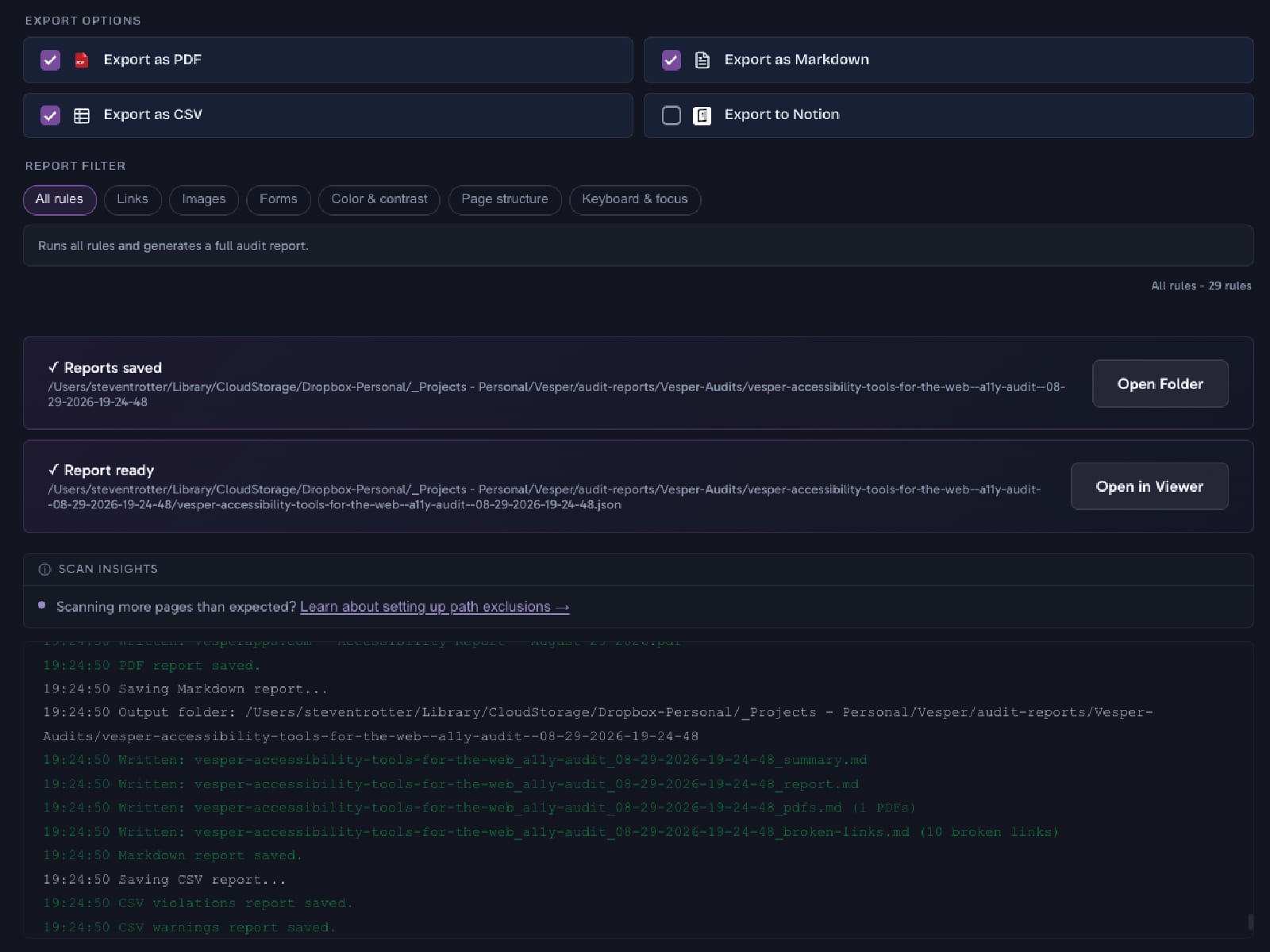
The scan is the easy half. What a client receives is a document someone non-technical can act on: what is wrong, where it is, why it matters, and what to do about it, in plain language, exported to whatever format the team already works in.
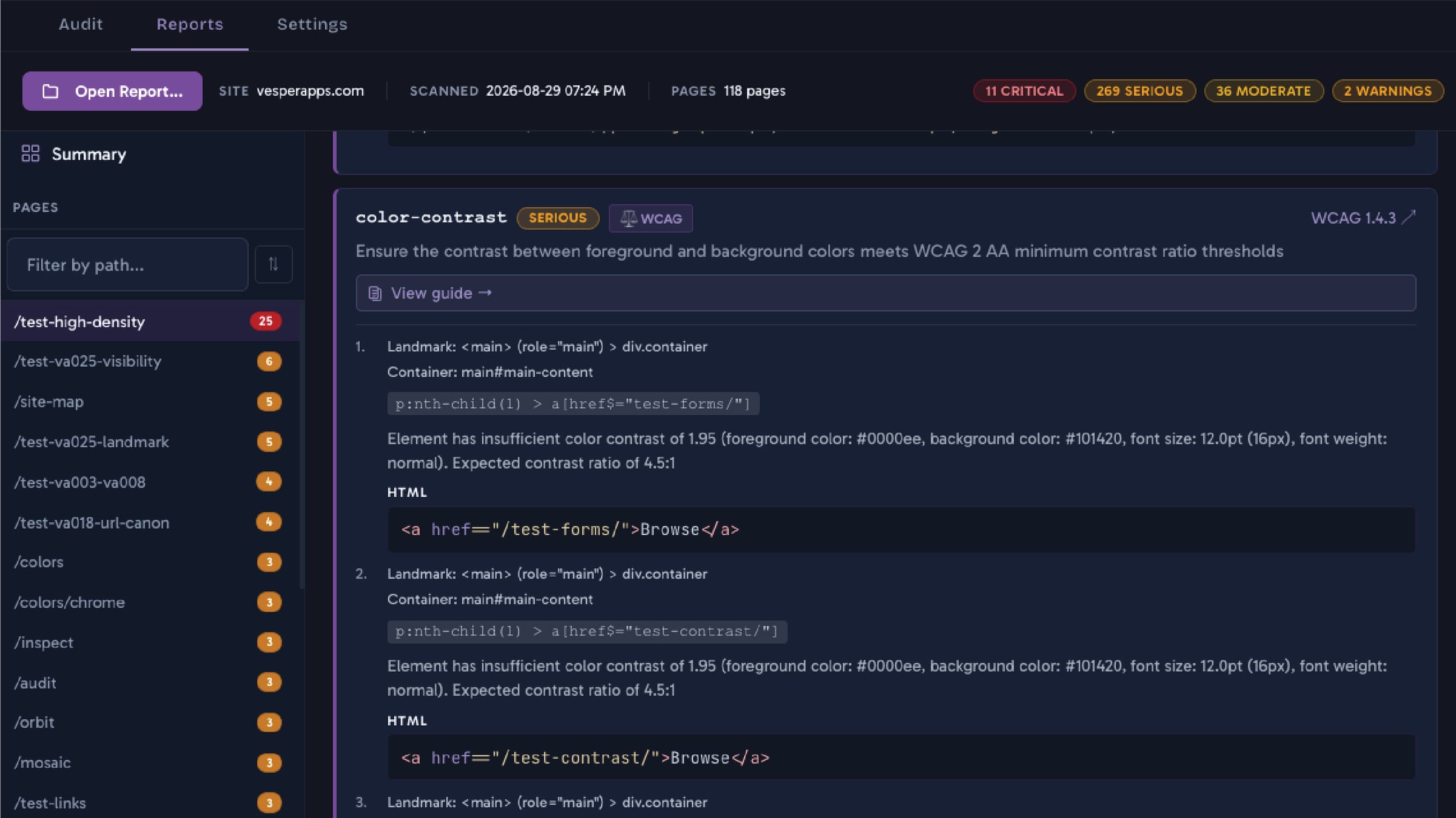
Every finding names the specific element and the specific criterion. A report that says a site has one hundred and forty issues is not useful. A report that says which heading, on which page, and what to change, is.
What Building It Taught Me
Writing a tool that finds defects in other people's sites is a strange way to learn design, and it is the most useful thing I have. You stop guessing about what breaks because you spend your week looking at it.
It also enforces a certain honesty. Several times the tool has reported a fault in my own work, and there is no arguing with your own scanner. That is roughly the point.
Why It Matters to a Client
Most agencies say their sites are accessible. Very few can hand you the evidence. When I say it, the report exists, the criteria are named, and you can check the work.
That is the whole reason this project sits in a portfolio of client work rather than in a separate products page. It is not a side interest. It is the thing that makes the rest of the claims checkable.
You do not have to take my word for any of it. Vesper Audit is free to download, and scanning a page takes no account and no trial. Point it at something you own and see what it says.
Keep Reading
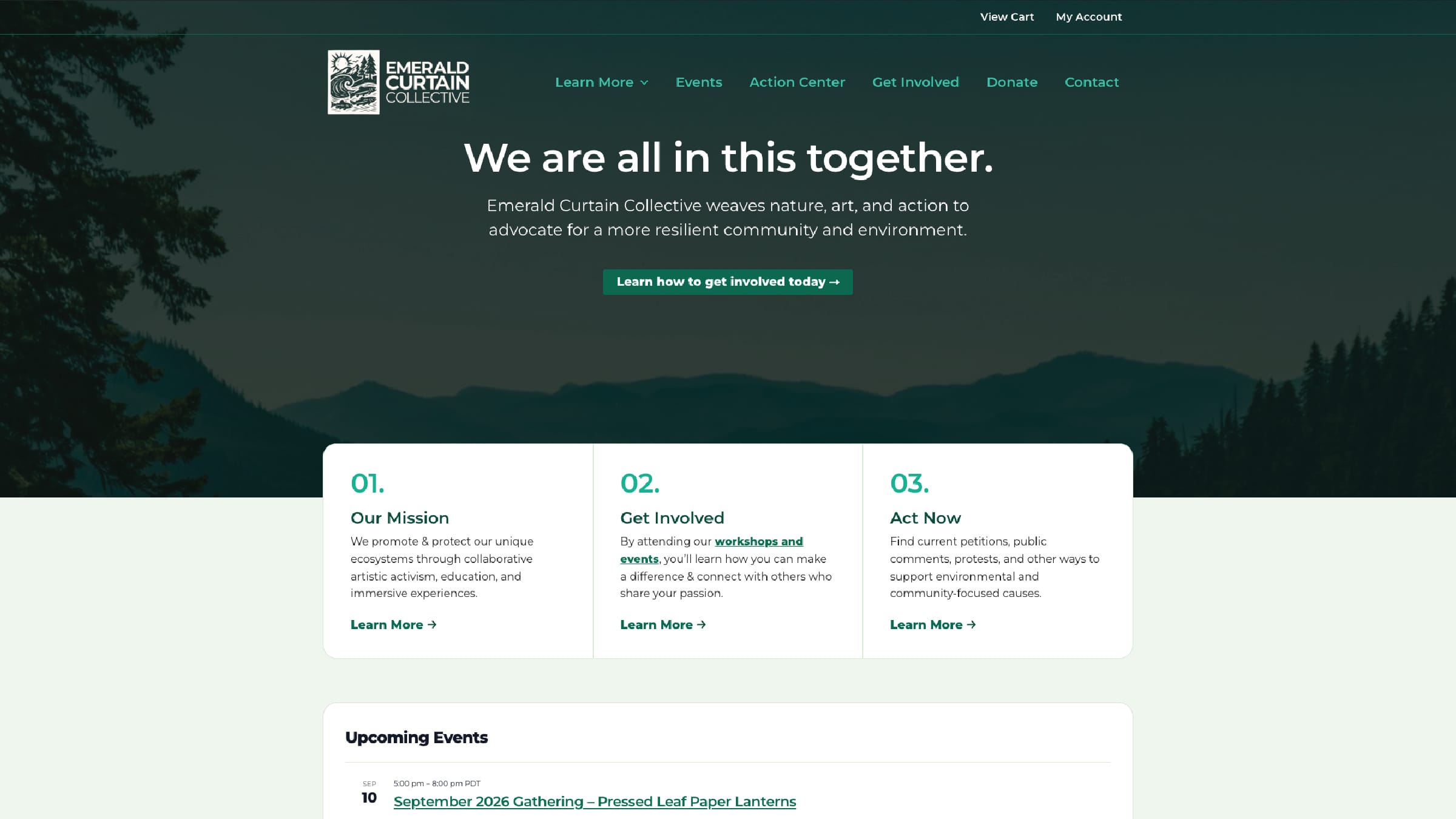
Nonprofit, arts and conservation
Emerald Curtain Collective
An advocacy action center that any nonprofit can now run for free, plus four more custom WordPress plugins for artist profiles, species education, event check-in, and a ticket waitlist.
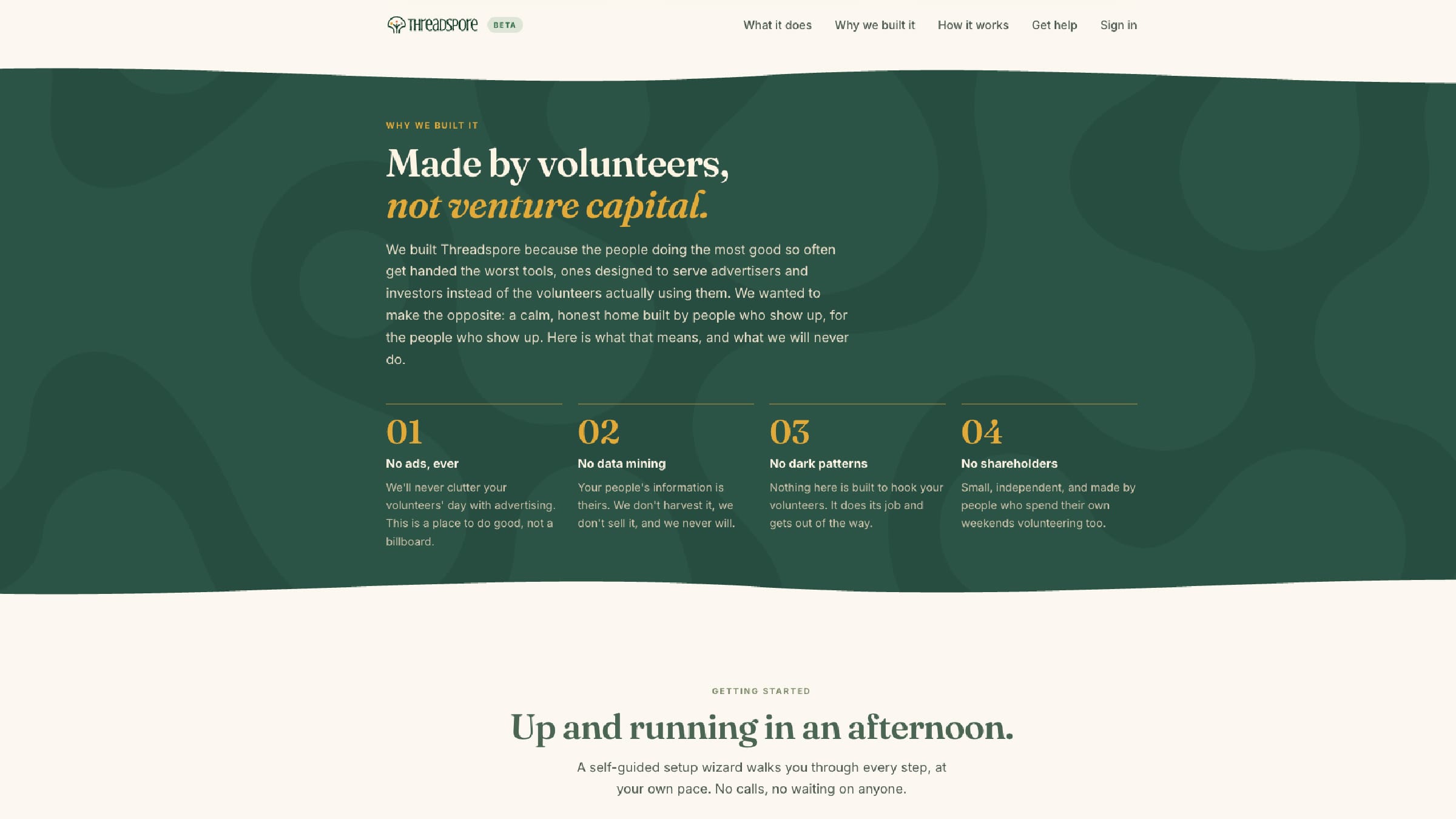
Product, collaboration software
Threadspore
An invite-only collaboration service for nonprofit volunteer groups, built around the reality that volunteers are not all comfortable with software.
Tell Me What Is Not Working.
A short email is enough to start. Tell me what you are trying to do, or what is getting in the way, and I will tell you honestly whether I am the right person for it.