Threadspore
An invite-only collaboration service for nonprofit volunteer groups, built around the reality that volunteers are not all comfortable with software.
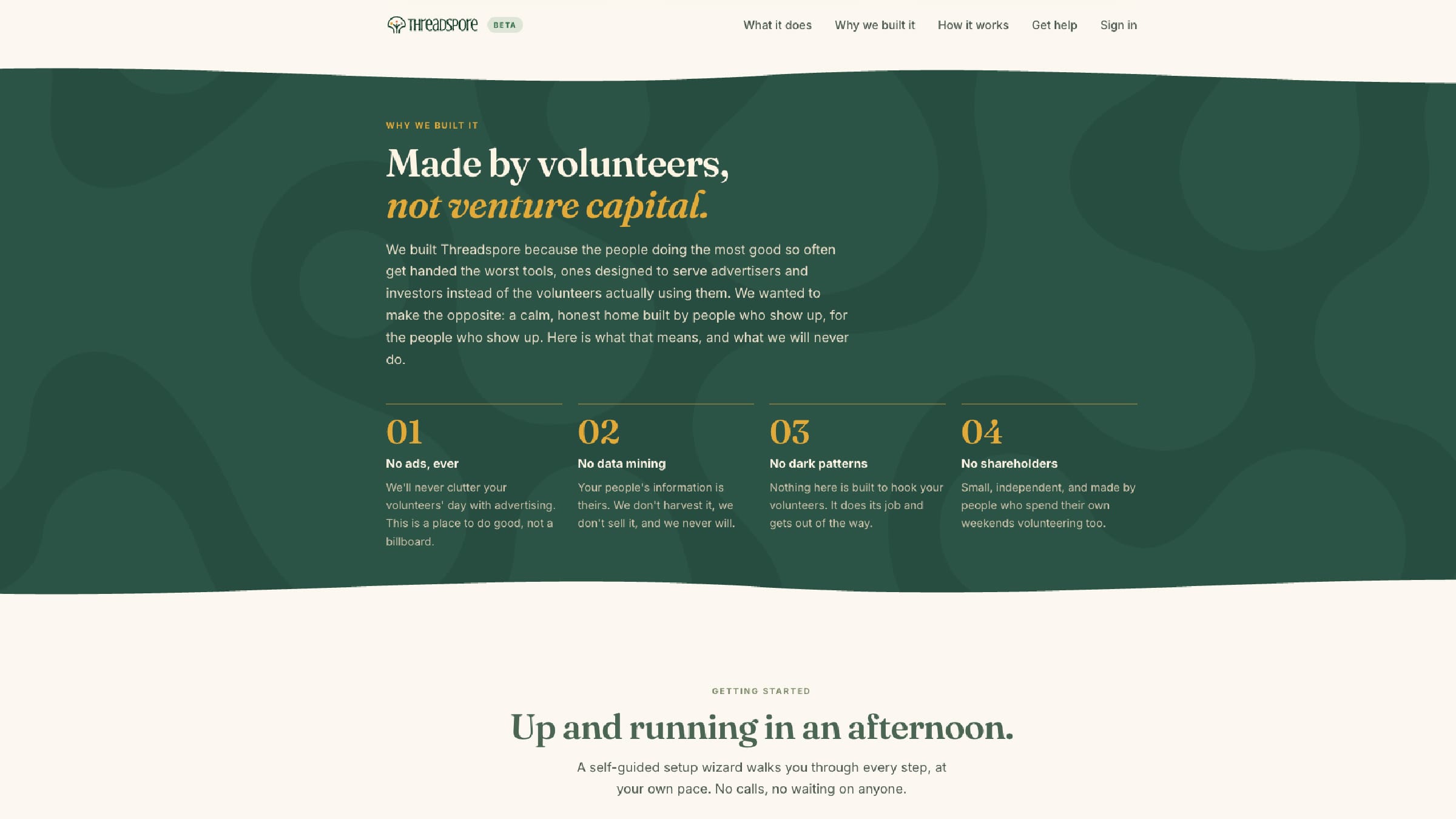
The Problem
A nonprofit on this coast could not get its volunteers onto any collaboration tool. Not because the tools were bad, but because the tools were built for offices. The volunteers were mostly retired, mostly on phones, and mostly out of patience.
When I asked what actually stopped them, the answers were specific. Passwords were a hard blocker: forgotten, locked out, reset again. Generic tools felt unsafe, because an older volunteer who has been warned about scams will not sign in to something that does not visibly belong to their own organization. There were too many screens and too much jargon. And rural internet meant heavy apps simply timed out.
None of that is a training problem. A volunteer is not an employee. Nobody is required to learn the software, so anything annoying gets abandoned and the group goes back to email threads and a shared drive nobody can find.
What I Built
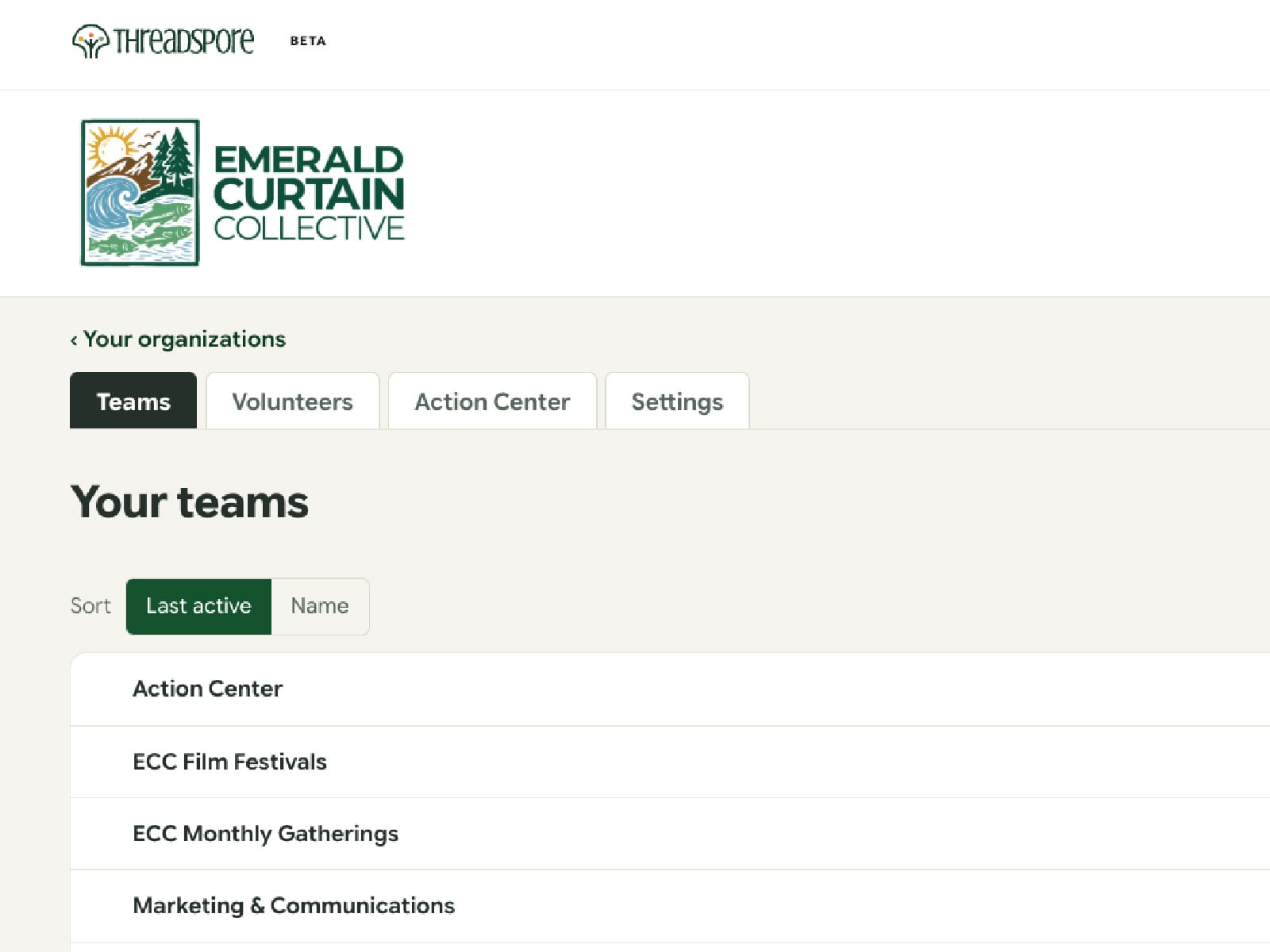
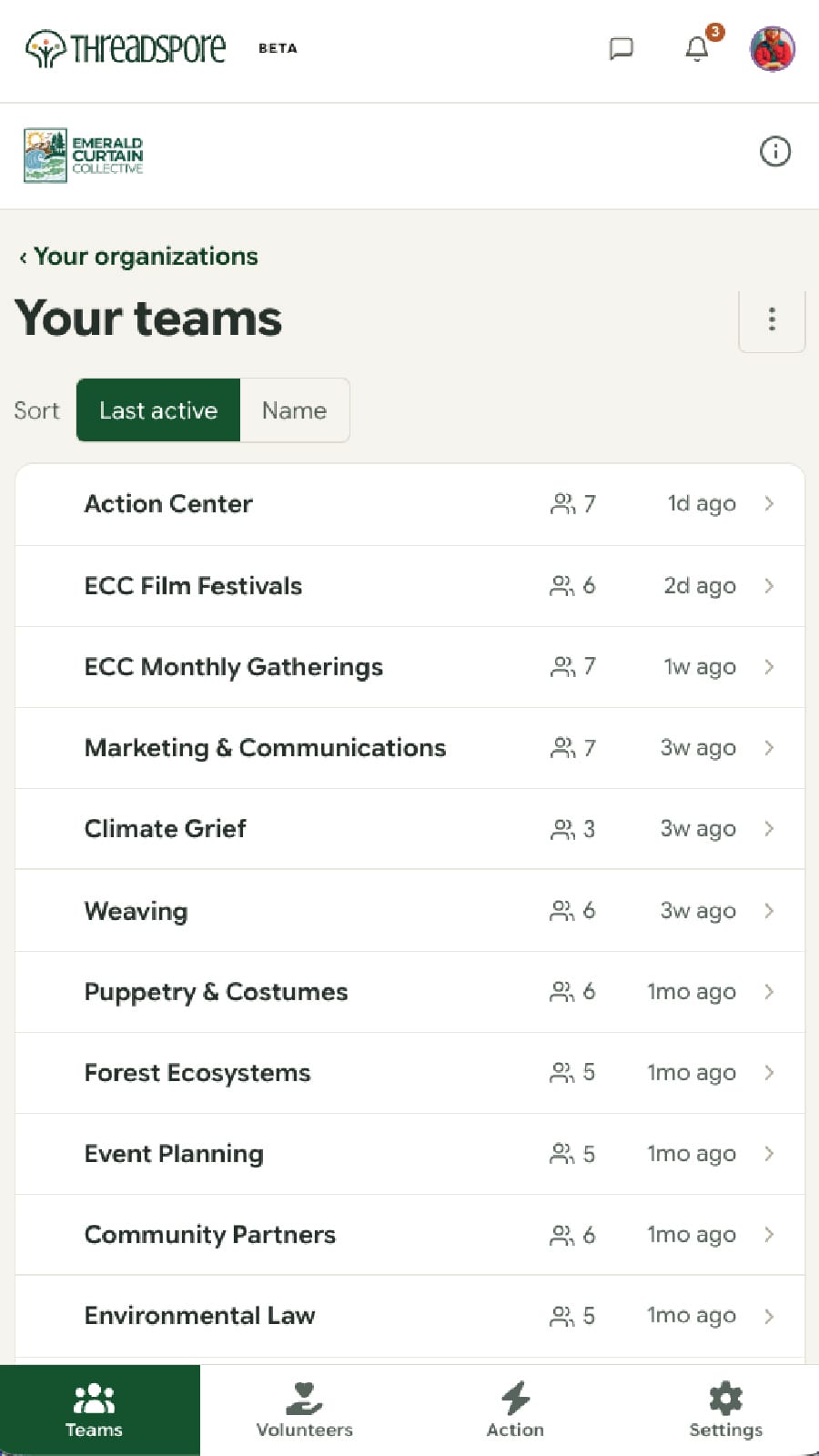
An organization gets a portal with its own logo, its own colors, and its own name on the door. Inside it, members are sorted into teams, and every team has exactly five things: messages, to-dos, polls, files, and a list of who is in it. Five, deliberately. Every surface I did not build is one a volunteer does not have to understand.
The whole thing is one column, with large type and generous touch targets. The working test was blunt: if a seventy-eight-year-old on a phone has to squint, it failed. The same rule governs the words. If a term would need explaining at a grange hall, it does not ship.
It Had to Look Like Theirs, Not Like Mine
The trust problem was solved by getting out of the way. A portal carries the organization's logo and brand color at the chrome level, so a volunteer arriving from an email sees their own organization rather than a product they have never heard of. Threadspore's own name appears once, quietly, at the top.
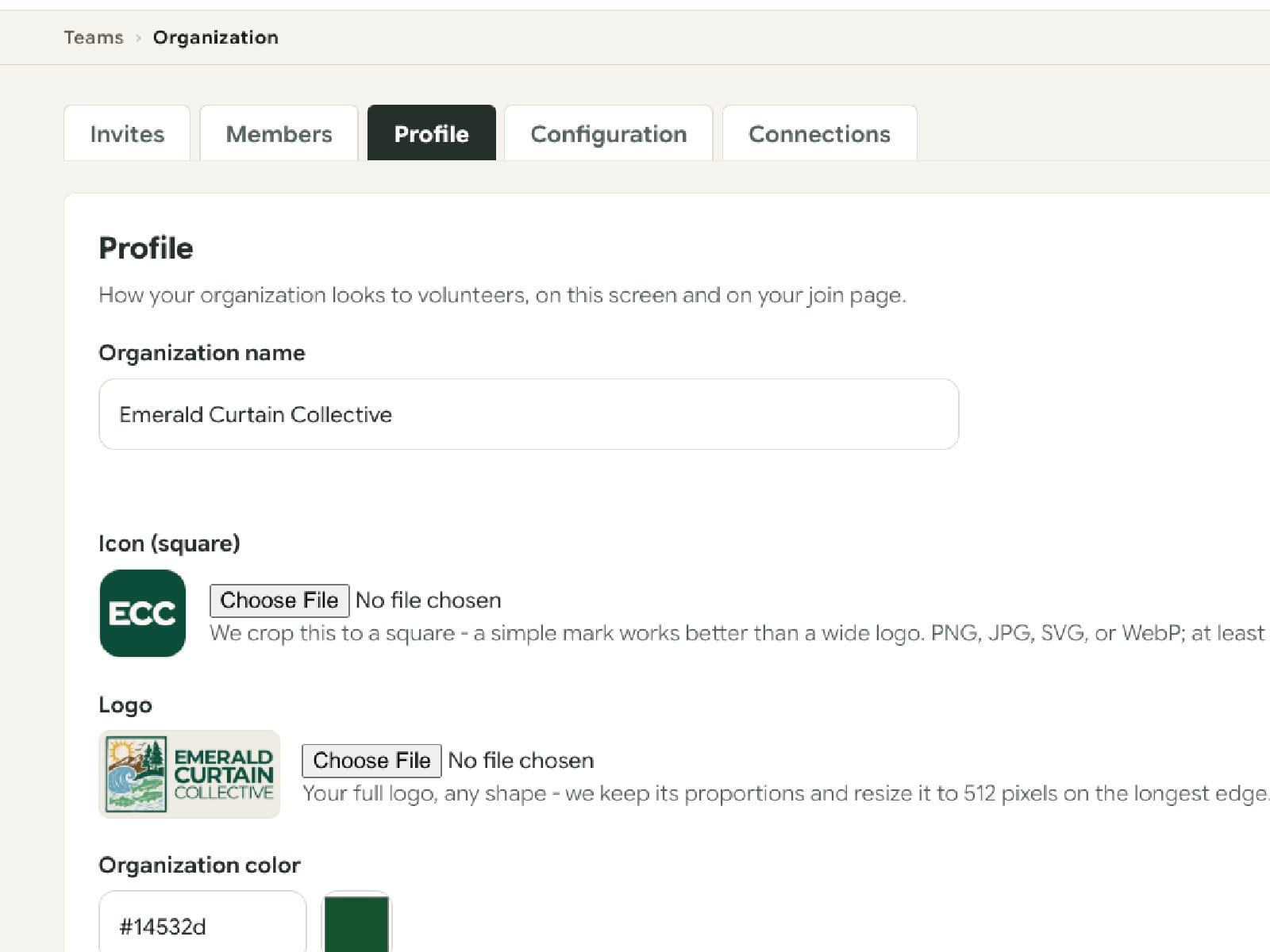
Branding is deliberately shallow: a logo, a square icon, and one color. Anything more and portals start failing contrast checks, so the color is checked when it is saved and a combination that fails is refused rather than shipped. The settings screen says what each field is for in plain words, because the person filling it in is a volunteer too.
Sign-in Is the Whole Design Problem
There is no password anywhere in the system. A member taps an invite link in an email or a text message and they are in. Nothing to choose, nothing to remember, nothing to reset at nine on a Saturday night.
That is a real trade, not a free win. It moves trust onto the invitation itself, which is why joining is gated by approval rather than open. Volunteers recruited at an event scan a QR code and request to join, and a moderator approves them. Nobody is ever added automatically.
Built on Something That Already Worked
Threadspore is a fork of an existing product of mine rather than a fresh start. The magic-link sign-in, the invitations, the to-dos, the polls, the file attachments, and months of mobile hardening were already in production and already tested on real people. Rebuilding them would have re-solved solved problems.
The more interesting work was subtraction. The parent product had a three-dimensional galaxy view that was genuinely good and completely wrong here, and removing it was the single largest reduction in page weight, which is what rural internet actually needs. A lot of this project was deciding what a volunteer group would never use.
Where It Landed
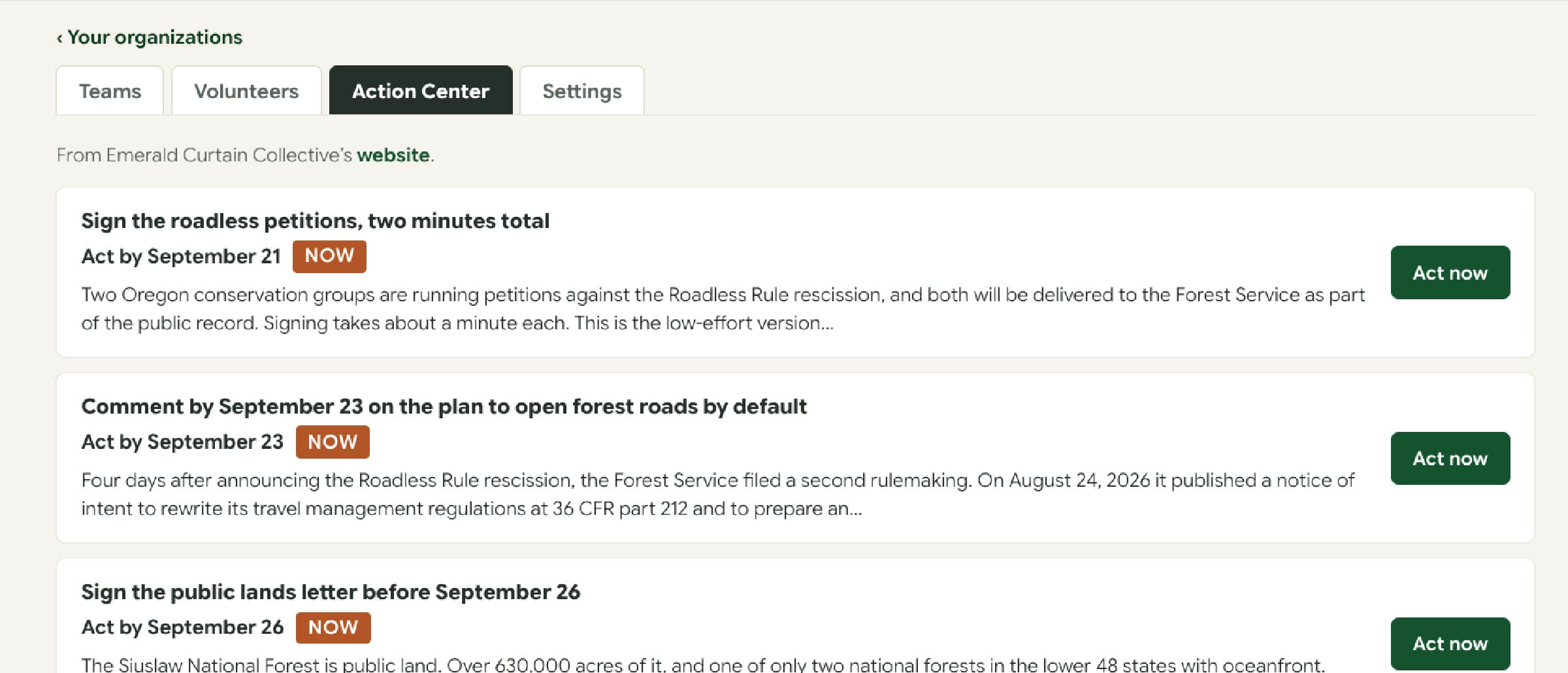
Emerald Curtain Collective is the pilot organization and their teams run on it. Event planning and marketing sit alongside weaving and costumes, forest ecosystems, and climate grief, which is the point: volunteer groups do not organize themselves the way collaboration software expects them to.
It is in open beta with a small group of organizations, and small on purpose. Most of them read it on a phone, which was the hardest part of the design and the part everything else was built around.
The measure that matters is not signups. It is whether a volunteer who is not required to use it opens it again on a Tuesday evening.
If you run a volunteer organization and this is your problem, the beta is taking more groups. Take a look at Threadspore.
Keep Reading
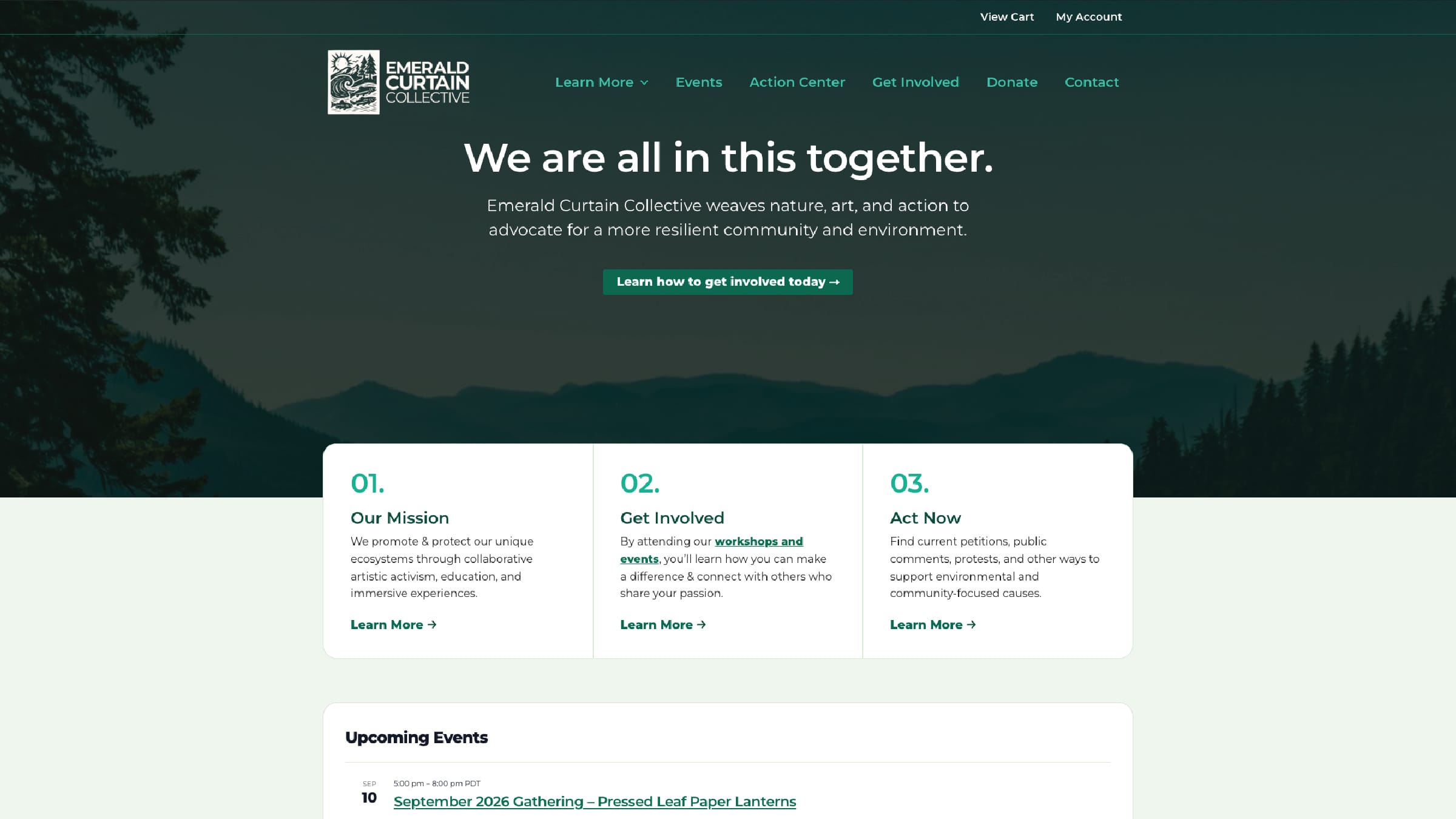
Nonprofit, arts and conservation
Emerald Curtain Collective
An advocacy action center that any nonprofit can now run for free, plus four more custom WordPress plugins for artist profiles, species education, event check-in, and a ticket waitlist.
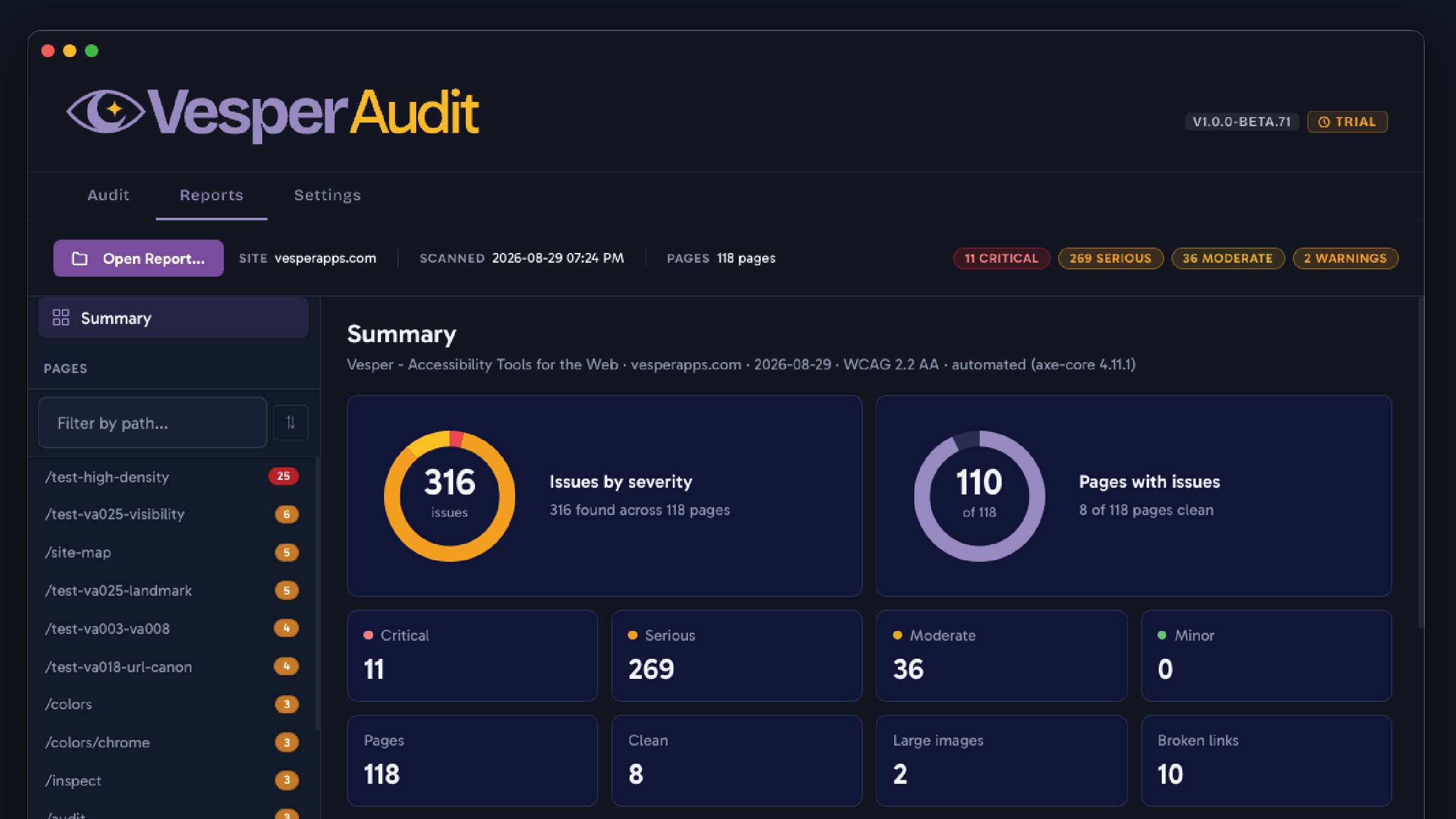
Product, accessibility tooling
Vesper Audit
A desktop accessibility auditing suite used by professional teams to test large public sector sites, and the reason my standards knowledge is first-hand rather than borrowed.
Tell Me What Is Not Working.
A short email is enough to start. Tell me what you are trying to do, or what is getting in the way, and I will tell you honestly whether I am the right person for it.